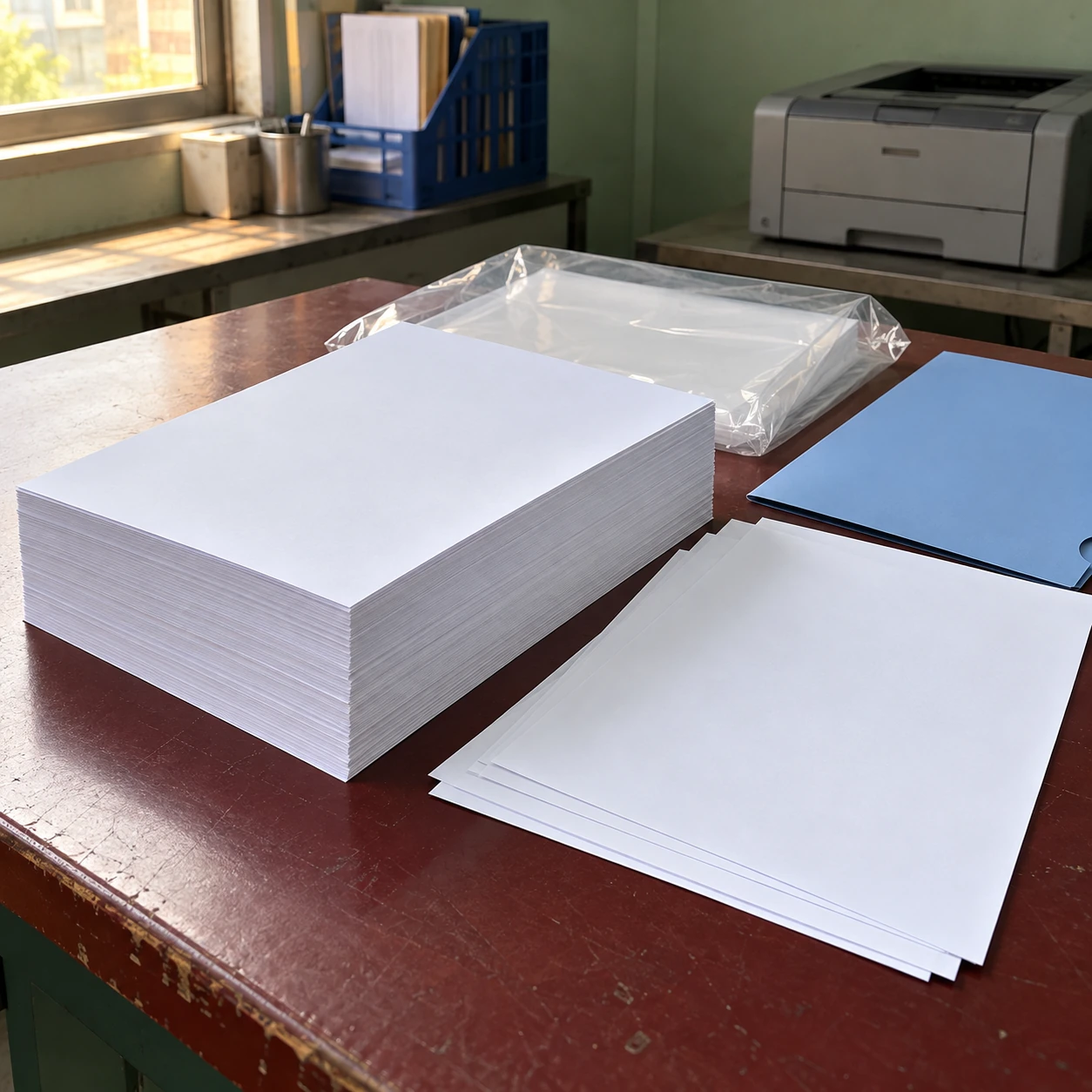
Cleanroom Paper
cleanroom paper a4
| Finished A4 sheet, width × length | 210 × 297 mm |
|---|---|
| Related sheet formats | A3: 297 × 420 mm; A5: 148 × 210 mm, ordered separately |
| Nominal basis weight | 68, 85 or 104 g/m² |
| Material | Selected low-lint polymer-treated cellulose bond |
| Colours | White and blue; additional colours in selected medium-weight grades |
| Paper form | Plain loose sheets; agreed pre-punching or document preparation |
| A4 packaging | 250 sheets per pack; 10 packs per case for the selected standard configurations |
| Printing route | Selected laser printing or photocopying, with equipment and media settings checked |
A4 dimensions describe the sheet itself. Colour, grade and packaging combinations are selected as a complete item; related formats are separate ordering choices.
A4 paper grade, colour and packaging can be selected to suit your printing and controlled-document process.
A4 cleanroom paper suits production forms, laboratory records and instructions already designed around a metric page. Keeping the document master, printer settings and physical sheet in the same format avoids scaled-down text, shifted signature fields and unnecessary reprints inside a controlled workflow.
Preserve the approved document layout
Set the page size in the source document and in the printer driver, then select the matching tray. A printer can sometimes fit an A4 file onto another sheet format by scaling it automatically, but that changes the relationship between text, boxes and margins. Check the printed result against the approved form before releasing it for routine use.
Pay particular attention to page numbers, revision fields, barcodes and the space left for handwritten entries. A form can appear readable while a footer or a narrow signature box has been clipped.
Choose weight for the complete printing task
Lightweight paper can reduce bulk in a large record set. A heavier grade may be more convenient for repeated handling or two-sided records, but it also changes the stack presented to the feed system. Select within the printer's supported media range.
Basis weight measures mass per unit area. It does not, by itself, establish thickness, opacity or particle performance. Compare the actual grade's information and evaluate the printed form rather than assuming all papers of the same weight behave identically.
Check both sides when using duplex
Assess show-through, reverse-side alignment, curl and the position of binding margins. The second pass through the printer can reveal a feeding or marking problem that a single-sided sample does not show.
For handwritten records, check the selected pen after normal drying and handling. Some liquid inks or cleaning-agent contact can cause smearing; a sheet's suitability for toner does not establish compatibility with every writing instrument.
Move finished records through the correct route
- Prepare the document: use the approved file and paper selection, with printing performed in the designated location.
- Release the printed set: check completeness, revision and legibility before the papers enter the working area.
- Protect the remaining stock: keep unused sheets covered and identified, with packaging removal following the site's transfer procedure.
Pre-punched paper can avoid an additional cutting operation at the workstation. If hole positions or a custom format are required, agree them before supply and include the resulting edge condition in material qualification.
Keep A4 and Letter stock distinguishable
Separate shelf locations and explicit format identification help prevent accidental substitution when sites exchange documents. Colour may assist this system, but should not be the only control if the same colour is used for several departments.
For North American document masters, see cleanroom paper 8.5 x 11. For repeat A4 orders, specify the accepted paper grade, colour, pack arrangement and any required lot documentation through the enquiry form.
A4 paper grade, colour and packaging can be selected to suit your printing and controlled-document process.