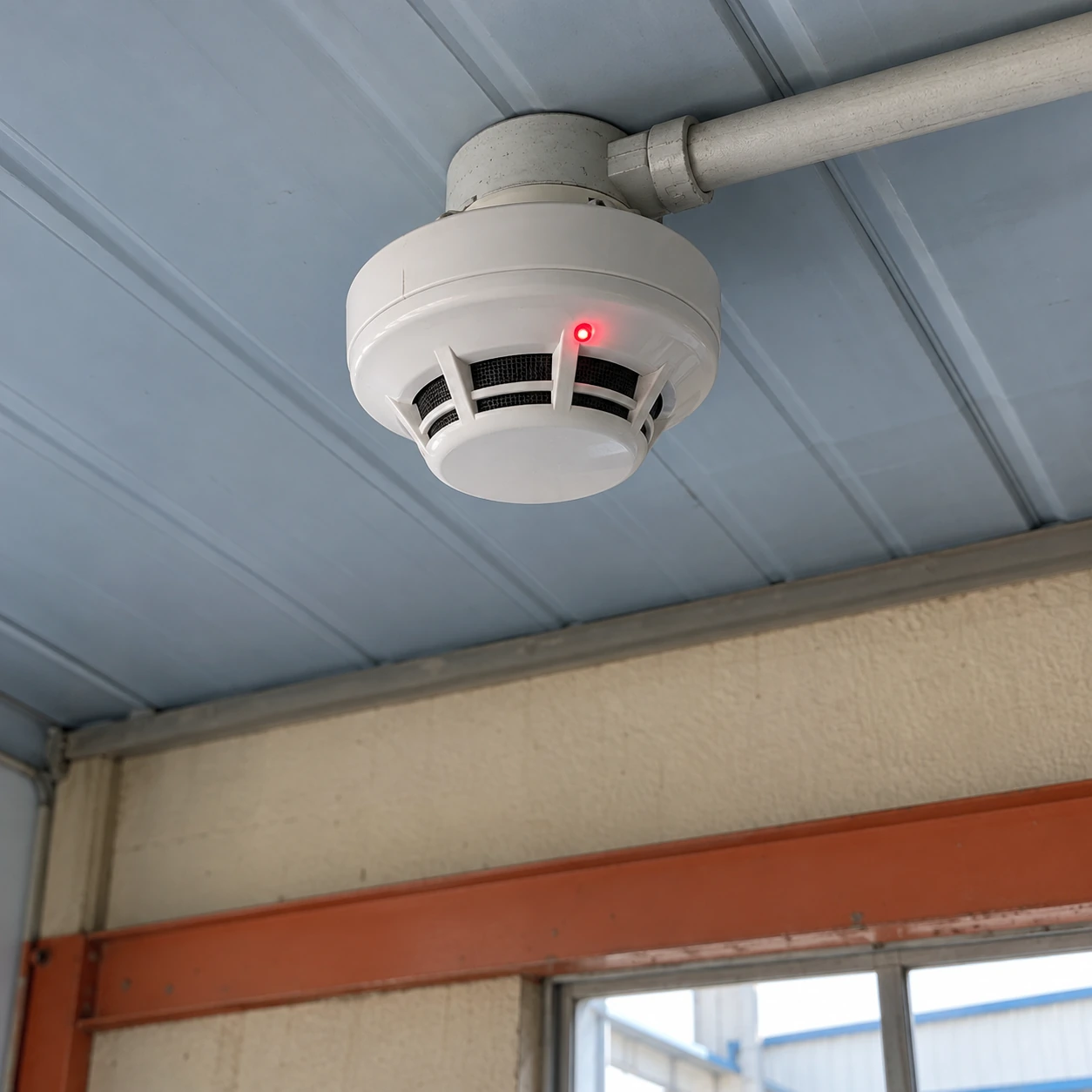
Smoke Detectors & Alarms
smoke detector flashing red
| Review focus | Red indication after an event, test or return to service |
|---|---|
| Detector options | Conventional, addressable or supervised wireless smoke detection |
| Size choices, diameter × height (mm) | 100 × 42 head / 100 × 50 conventional base assembly; 110 × 70 wireless assembly |
| Event indication | Local LED and optional panel alarm memory, according to device/system |
| Power | Matched low-voltage system supply or approved battery arrangement |
| Reset authority | Authorized site procedure using the exact device and panel instructions |
| Replacement accessories | Compatible mounting base, supported sounder option and identification label |
| Handover information | Event cause, corrective work, test result and restored system status |
A flashing light does not by itself establish the cause or show that protection is restored. The specified device manual and system state govern the interpretation.
Compatible detector replacements and mounting accessories can be customized for your facility's confirmed service or upgrade requirement.
A smoke detector may continue flashing after a sound has stopped or after a scheduled test. The next step depends on whether the device is showing an active condition, a silence state, a stored event or another model-specific indication.
Sound has stopped: what still needs attention?
An active hazard must be dealt with through the emergency procedure even if the alarm becomes quiet. Some equipment can silence its sound temporarily while retaining a visual indication. Quietness is not evidence that a fire or gas hazard has cleared.
After the area has been made safe, check the device's operating guide and the system event record. An alarm memory function can help identify which device first responded. Removing power or repeatedly resetting it before the authorized review can make that history harder to interpret.
Keep the first event separate from later signals
In an interconnected installation, a local device may have initiated the alarm while other devices sounded in response. The indicator behaviour can differ between the initiating and responding units.
Likewise, a scheduled test or a temporary silence mode may leave a pattern that is different from normal operation. Use the exact device documentation; there is no colour-only rule that applies to every smoke detector.
Return the installation to a documented condition
Establish the cause
Review the alarm event, site activity and service findings. Consider contamination or a changed environment only after the potential hazard has been addressed.
Correct the issue
Use the permitted cleaning, approved replacement or professionally designed installation change. Avoid cosmetic fixes such as covering an indicator or sensor vent.
Verify restoration
Authorized personnel confirm the required detector, sounder and reporting functions and document the normal system state after the work.
Use replacement equipment when there is a replacement need
A normal status flash does not justify replacing a functioning detector. A persistent fault, expired device or damaged enclosure does require the manufacturer's specified action and suitable continued-protection arrangements.
For an unexplained light observed during ordinary operation, the smoke detector blinking red page focuses on identifying the indicator state. For a quotation after diagnosis, supply the detector and panel identities, mounting details and the confirmed replacement scope. The new assembly must preserve required detection, notification and supervision functions.
Choosing a different detector purely because its light behaves differently can introduce a compatibility problem without addressing the original event. shengtongJH coordinates the compatible supply selection around the service finding and the approved system.
Compatible detector replacements and mounting accessories can be customized for your facility's confirmed service or upgrade requirement.